


Lotto24 mobile access – what works on your phone
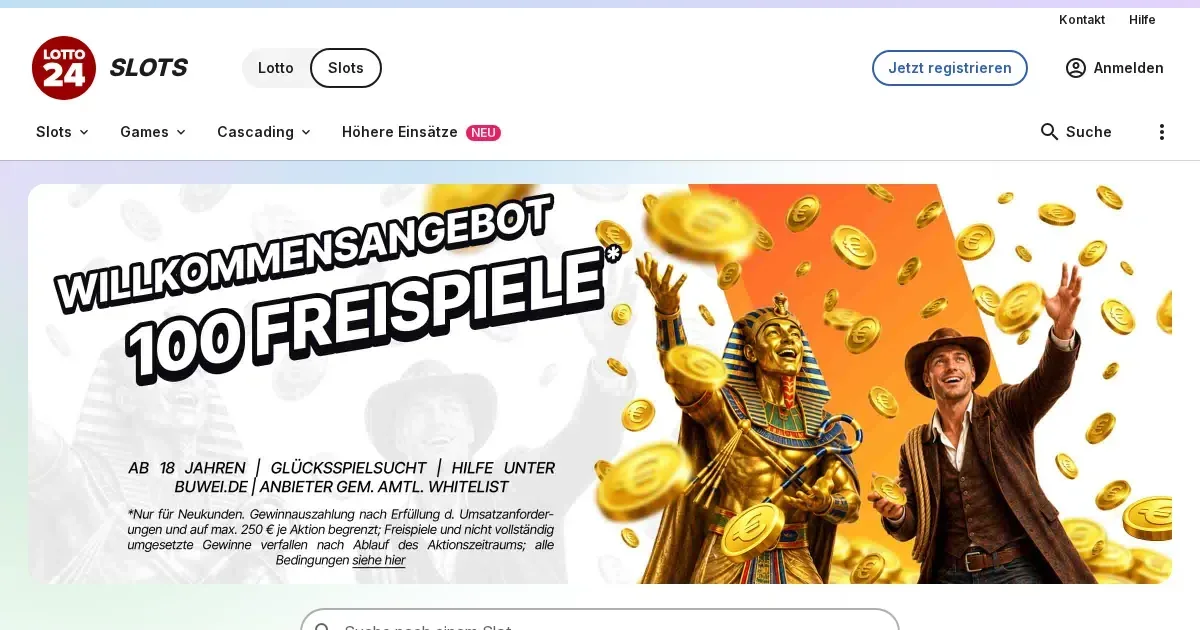
















Lotto24 runs its slots platform through mobile browsers, allowing players aged 18 and over (18+) to access the same account and game library from a phone or tablet. No separate download is required. The mobile site adapts to smaller screens, though some features work better on desktop.
Playing Lotto24 slots from your phone
Access works through your phone's browser. Open Safari, Chrome or Firefox, type the operator's address into the URL bar, and log in with the same username and password you use on a computer. The session runs in the browser window without installing software.
Your account, balance and game history stay identical across devices. A spin started on desktop can be continued on mobile once you log back in. Deposit limits set during registration – capped at €1,000 per month – apply across all sessions regardless of which device you use.
What you can do on a small screen
The mobile interface covers the core functions:
- Game library – all 838 slots from the desktop catalogue load on mobile, including titles from Play'n GO, Swintt and Wizard Games.
- Deposits and withdrawals – SEPA direct debit, Klarna Sofortüberweisung, VISA, Mastercard and PayPal work through the phone browser. Minimum card deposit is €1.25.
- Verification – the Nect Ident and Incode apps allow identity checks through a video selfie and ID photo, bypassing the need for a desktop scanner.
- Support – the contact form and live chat (operated via Zendesk) load on mobile. The service hotline 040 299 960 996 is reachable Monday to Saturday from 10:00 to 19:00.
Freespins bonuses, when active, carry the same 40× wagering requirement on mobile as they do on desktop. The maximum bet of €1.00 per spin applies identically, and the €300 cashout cap per promotion is enforced across all devices.
Where mobile falls short
Smaller screens compress the interface, and some tasks become harder to manage. Multi-table views and detailed transaction histories are easier to read on a larger display. Typing card numbers and addresses into payment forms on a phone takes longer and invites more errors than filling the same fields with a full keyboard.
The mandatory 5-minute reality check after every hour of play interrupts sessions on mobile just as it does on desktop. On a phone, the pause can feel more intrusive when you are playing in short bursts during a commute or a break.
Battery drain is a real consideration. An hour of continuous slot play with graphics and sound active will noticeably reduce charge. If you plan a longer session, keep a charger nearby or lower screen brightness to extend runtime.
Before you start on mobile
- Check your connection. Use Wi-Fi when possible. Mobile data works, but a weak signal can cause spins to time out or deposits to fail mid-process.
- Verify the address. Type the operator's URL directly into the browser bar rather than following a link from an email or a search result. Phishing sites mimic legitimate domains, and a small phone screen makes it harder to spot the difference.
- Sign out after each session. If you share a device with others, always log out manually rather than relying on an auto-timeout. The operator's terms require verification that all users are at least 18 years old, and an unlocked session on a shared phone creates a compliance risk.
- Set deposit limits before you play. The operator enforces a €1,000 monthly cap by default, but you can lower it to a daily or weekly threshold through your account settings. Strict limits take effect immediately; relaxing them triggers a 7-day cooling-off period.
Responsible play on a device you always carry
A phone is with you constantly, and that convenience can turn into a problem. If gambling moves from occasional entertainment to something you reach for whenever you are bored, idle or stressed, the behaviour has changed. The 24-hour timeout button is permanently visible on the mobile interface – use it if you find yourself opening the site more often than you intended.
For free, confidential support with gambling, contact GamCare at www.gamcare.org.uk or call the National Gambling Helpline on 0808 8020 133 (24/7). BeGambleAware offers additional resources at www.begambleaware.org. If you need to block access across all licensed sites, register with GamStop at www.gamstop.co.uk – the exclusion is immediate and covers participating operators for a minimum of six months.
Blocking software such as Gamban (gamban.com) and BetBlocker (betblocker.org, free) prevents access to gambling sites at the device level, including mobile browsers and apps. If a device is shared with anyone under 18, parental-control software like Net Nanny or Qustodio adds an extra layer of protection.
This site is for players aged 18 and over (18+). If gambling stops feeling like entertainment, help is available at BeGambleAware.org.
Last updated:
Frequently asked questions
Does Lotto24 have a mobile app?
The platform runs through mobile browsers rather than a standalone app. You access your account and the full game library by visiting the operator's site in Safari, Chrome or Firefox on your phone.
Can I deposit and withdraw from my phone?
Yes. SEPA direct debit, Klarna Sofortüberweisung, VISA, Mastercard and PayPal all work through the mobile browser. The minimum card deposit is €1.25, identical to the desktop requirement.
Are all slots available on mobile?
The mobile site carries the same 838 slots as the desktop version, including titles from Play'n GO, Swintt, Wizard Games, Apparat Gaming and Bally Wulff Games.
How do I verify my identity from a phone?
The operator accepts verification through the Nect Ident and Incode apps, both of which require a photo of your ID document and a selfie or video. Alternative methods include SCHUFA checks and PostIdent video calls or coupon visits.
Game Providers